
How to Monitor Your Child's ChatGPT & Gemini AI Chats
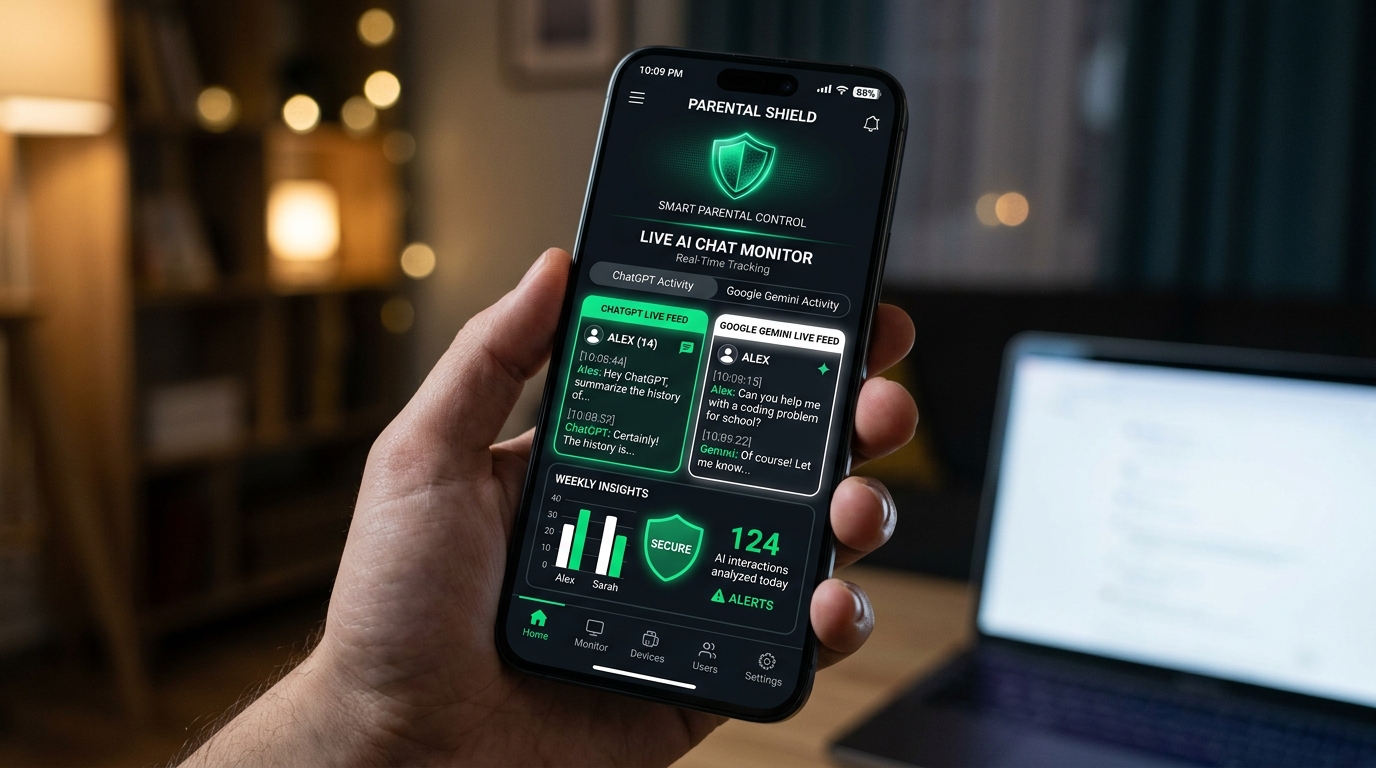
Yes. While OpenAI and Google do not provide native parental controls or parent viewing dashboards for ChatGPT or Gemini, parents can use MonitorKids. MonitorKids uses Android Accessibility and Notification Capture services to log all typed prompt questions, capture the AI's generated answers, take automated screenshots upon sending queries, and trigger emergency push notifications if dangerous keywords (such as self-harm, adult content, or academic fraud) are detected.
📋 Table of Contents
1. Why Children Need Parental Supervision on AI Apps
In 2026, generative AI tools like OpenAI ChatGPT and Google Gemini are no longer niche technologies. Over 74% of teenagers in India and worldwide report using AI chatbots weekly for homework, storytelling, personal advice, and conversational companionship.
Unlike traditional search engines, conversational AI produces persuasive, anthropomorphic answers that can lead young, impressionable minds into deep emotional trust without adult fact-checking.
2. Hidden Risks of Unmonitored AI Chatbots
- Bypassing Parental Filters ("Jailbreaking"): Kids frequently copy "jailbreak prompts" from TikTok and Reddit to trick ChatGPT into producing inappropriate stories, swear words, or violence.
- Unhealthy Mental Health Dependency: Children often confide feelings of depression, anxiety, or social isolation to chatbots instead of talking to parents, doctors, or counselors.
- AI Hallucinations and Dangerous Advice: AI models occasionally fabricate incorrect scientific or medical statements with high confidence.
- Academic Integrity Risks: Relying on AI for essays stunts critical writing and problem-solving development.
3. How to Set Up ChatGPT & Gemini Monitoring in 3 Minutes
With MonitorKids, you don't need to root the device or guess your child's passwords. Here is how to configure it:
- Install Parent App: Download and install MonitorKids Parent App from the Installation Guide.
- Install Child App: On your child's Android phone, download the Child App and enable the "MonitorKids Accessibility Service".
- Open the AI Chat Dashboard: In your Parent App, tap on ChatGPT or Gemini under the AI Monitoring tab.
- Review Live Threads: You will immediately see every query typed by your child alongside the AI bot's response, formatted with clear visual chat bubbles.
4. Setting Up AI Keyword Watchdogs & Instant Alerts
MonitorKids features a built-in AI Keyword Detection Watchdog. Parents can input sensitive trigger words such as diet pills, suicide, buy alcohol, or bypass password.
If a child types any of these phrases into ChatGPT or asks Gemini via voice query, MonitorKids immediately captures a silent screenshot and sends a high-priority push alert to the parent's phone.
5. Frequently Asked Questions
Can my child bypass MonitorKids by using ChatGPT in incognito mode?
No. MonitorKids Accessibility Service captures keystrokes and rendered text dynamically at the Android OS layer, meaning both private incognito web browser tabs and native app sessions are recorded.
How much does MonitorKids cost?
MonitorKids plans start at just ₹99 for 7 days, or ₹299/month, with instant UPI and RuPay payment support. Check our Plans & Pricing page for details.
Protect Your Child from AI Harms Today
Join over 10,000+ proactive Indian parents using MonitorKids. Setup in under 3 minutes with zero technical knowledge.