
Remote App Blocker & Screen Time Limits
Cure smartphone addiction and enforce healthy routines. Lock gaming apps with 1 tap, set daily app usage timers, block adult web pages, audit YouTube & browser history, and track device activities.
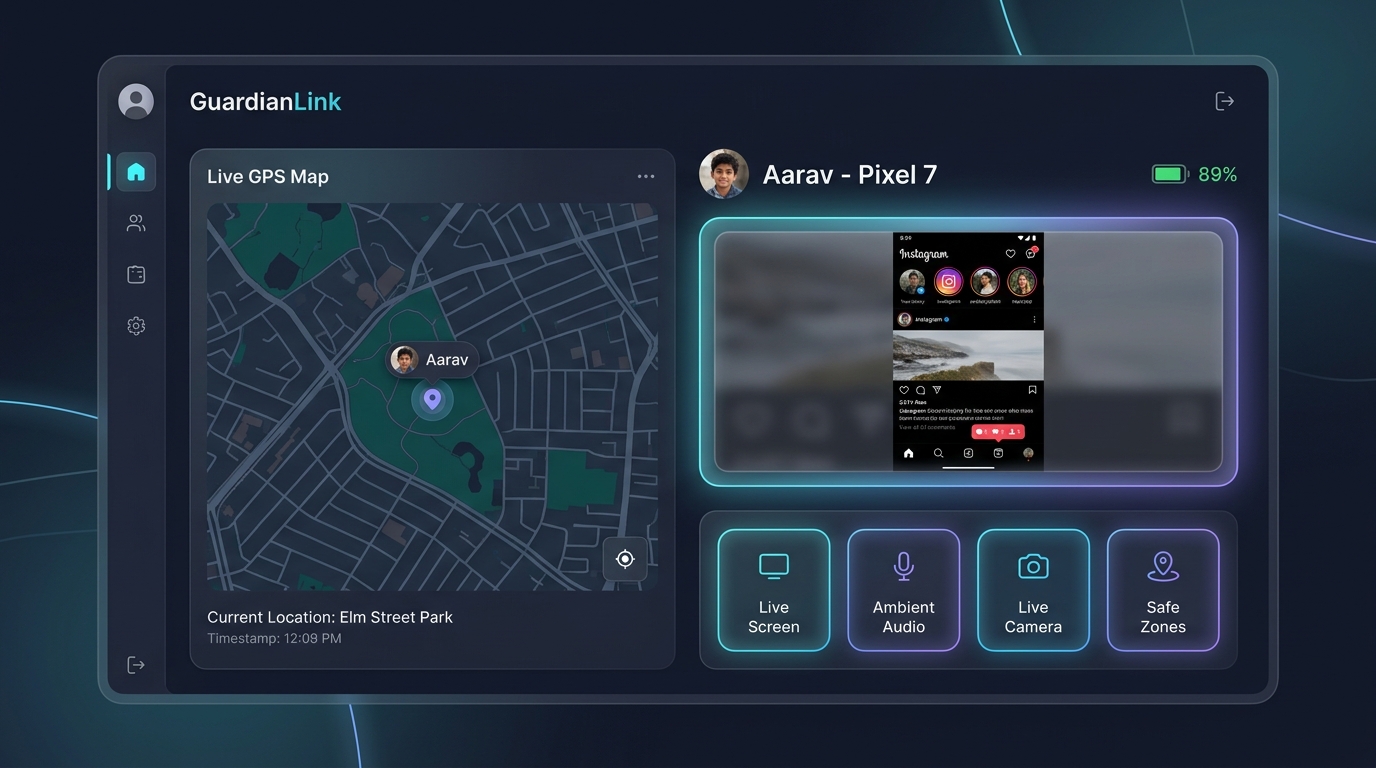
Remote App & Web Control Suite
Empower your family with intelligent boundaries that build focus and digital discipline.
Block / Unblock Installed Apps
Lock down distracting games (BGMI, Roblox, Free Fire) or social apps instantly with a single switch from your Parent App. Blocked apps display an impenetrable lock screen.
- ✔ 1-Tap instantaneous app lock
- ✔ Cannot be bypassed by child without master PIN
- ✔ Device Admin protection prevents uninstall
Set Daily App Usage Limits
Allocate daily minute quotas per app (e.g. 30 minutes for YouTube, 45 minutes for Instagram). The app locks automatically for the remainder of the day once quota expires.
- ✔ Per-app daily minute allowances
- ✔ Homework mode and bedtime curfew scheduling
- ✔ Weekend vs. weekday customized schedules
Block / Unblock Web Pages
Filter out adult websites, gambling portals, violent content, and phishing domains. Enforce Google SafeSearch and maintain customized URL domain blacklists.
- ✔ Real-time domain URL blacklist filter
- ✔ Enforces SafeSearch on Chrome and mobile browsers
- ✔ Blocks incognito mode adult browsing
ScreenTime Tracker & Analytics
View detailed screen-on time breakdowns. See exact minutes spent in gaming, educational apps, social networks, and video streams across daily and weekly charts.
- ✔ Comprehensive app usage analytics
- ✔ Screen unlock count and pickup metrics
- ✔ Weekly digital wellness report cards
Browser Search & Internet History
Inspect search queries entered on Google, Bing, and DuckDuckGo, plus a complete chronological timeline of every website URL visited by the child.
- ✔ Captures search terms typed in Chrome
- ✔ Full URL history with visit timestamps
- ✔ Direct 1-tap website domain blocker
Device Activity Feed & System Events
Unified chronological audit log of all device actions: screen unlock events, reboots, new app installations, low battery alerts, and permission changes.
- ✔ Real-time system activity timeline
- ✔ Instant notifications on new app installs
- ✔ Battery percentage and charging alerts
Frequently Asked Questions
Can a child bypass the app lock by reinstalling or clearing app data?
No. MonitorKids utilizes native Android Device Administration privileges. The Google Play Store app installation and Settings app can be restricted, and any attempt to clear data or uninstall is blocked by parent PIN verification.
Does web blocking work in incognito or private browsing mode?
Yes! MonitorKids monitors URLs at the system Accessibility level. Whether browsing in Chrome regular mode, Chrome Incognito, Brave, or Samsung Internet, blacklisted URLs are intercepted and blocked immediately.
Build Healthy Smartphone Habits Today
Take control of screen addiction. Plans start at just ₹99.
Get MonitorKids Now →