
How to Block Apps & Set Screen Time Limits on Android
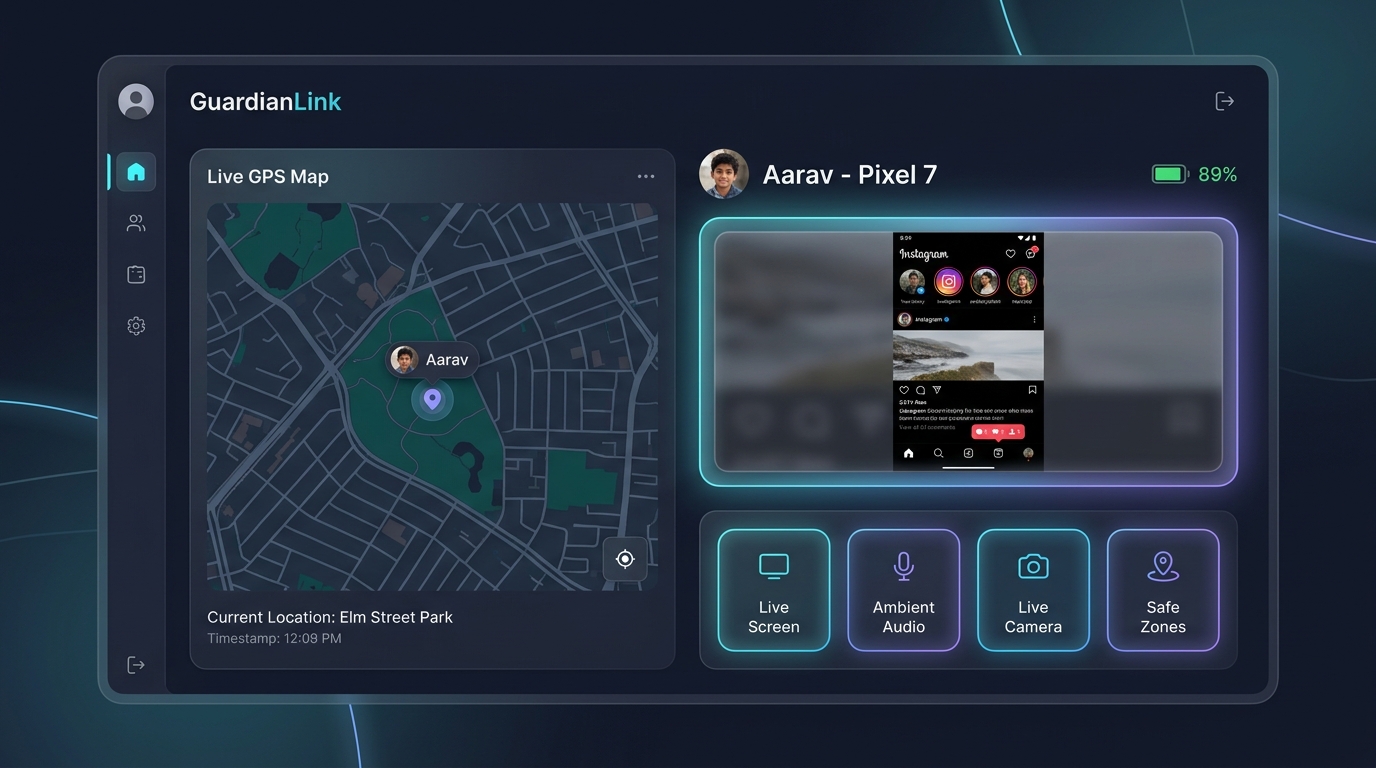
Parents can remotely block applications and adult web pages using MonitorKids. From the Parent App, you can tap to instantly lock any game (like BGMI, Roblox, or Free Fire), configure daily minute usage quotas per application, schedule bedtime and study curfews, enforce adult URL domain blacklists across Chrome and incognito browsing, and track detailed daily screen time analytics.
📋 Table of Contents
1. The Crisis of Gaming and Reel Addiction
Smartphone addiction among school-aged children has surged. Between algorithmic short-video feeds (YouTube Shorts, Instagram Reels) and battle-royale mobile games (BGMI, Free Fire), many children spend 4 to 6 hours glued to screens daily, leading to sleep deprivation, poor academic performance, and social withdrawal.
2. Instant 1-Tap App Blocking with MonitorKids
With MonitorKids App Blocker, parents have an immediate remote kill switch. The Parent App displays a complete synchronized list of all installed packages on the child's phone.
Toggling a switch beside any app activates an instant lock overlay. If the child attempts to launch the app, a fullscreen notification informs them that the app is locked by their parents.
3. Setting Daily Minute Allowances & Homework Curfews
Outright bans often trigger arguments. A healthier approach is establishing clear, automated quotas:
- Daily Quota: Grant 45 minutes for YouTube and 30 minutes for gaming per day. Once expired, the app locks automatically until midnight.
- Bedtime Curfew: Schedule an automated lockdown between 10:00 PM and 6:00 AM so children get proper sleep.
- Study Mode: Restrict all non-educational apps during designated homework hours (e.g. 5:00 PM to 7:30 PM).
4. Blocking Adult Web Pages and Phishing Domains
MonitorKids intercepts web traffic at the Accessibility layer across Google Chrome, Brave, Samsung Internet, and custom browser apps. It blocks over 1.2 million known adult, pornography, violence, and gambling domains, and forces Google SafeSearch permanently.
5. Tamper Resistance: Why Kids Cannot Bypass It
Tech-savvy teenagers often search on YouTube for "how to bypass parental controls". MonitorKids is engineered with multi-layer tamper resistance:
- Device Administrator Protection: The Child App cannot be uninstalled without entering the parent master PIN.
- Settings Protection: Any attempt to access Android Settings to force stop the app is instantly intercepted and closed.
- Reboot Resilience: The background monitoring and locking service automatically resumes on device restart.
6. Frequently Asked Questions
Can my child uninstall the app to remove the lock?
No. MonitorKids requests Device Administrator privileges during installation. If anyone attempts to uninstall the application, Android demands the parent master password.
Can I block websites even if my child uses Incognito Mode?
Yes. Because MonitorKids inspects URL addresses directly through accessibility nodes, adult websites are intercepted and blocked in both standard and incognito browser tabs.
Build Healthy Digital Habits Today
Cure screen addiction and protect your child's sleep and studies. Plans start at just ₹99.